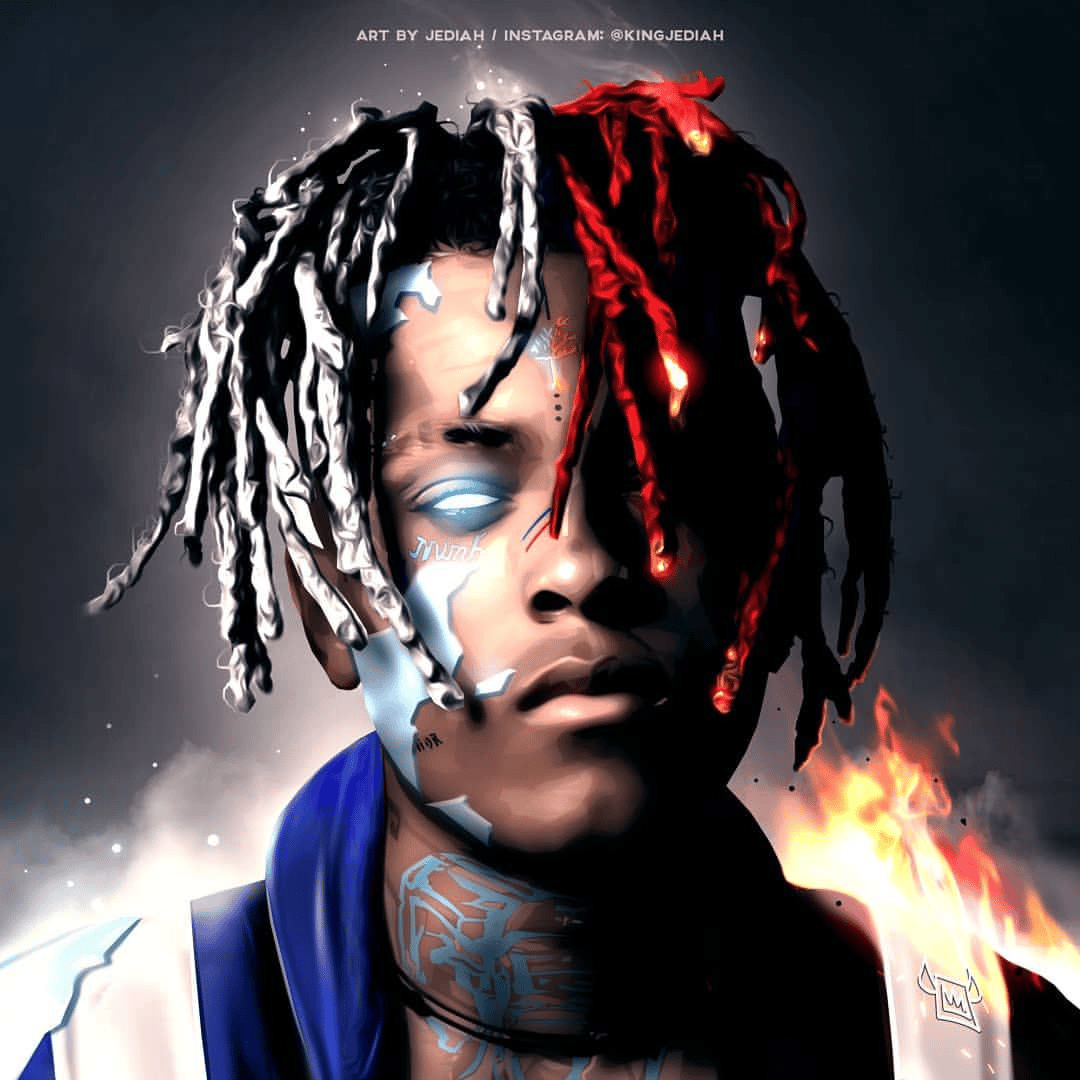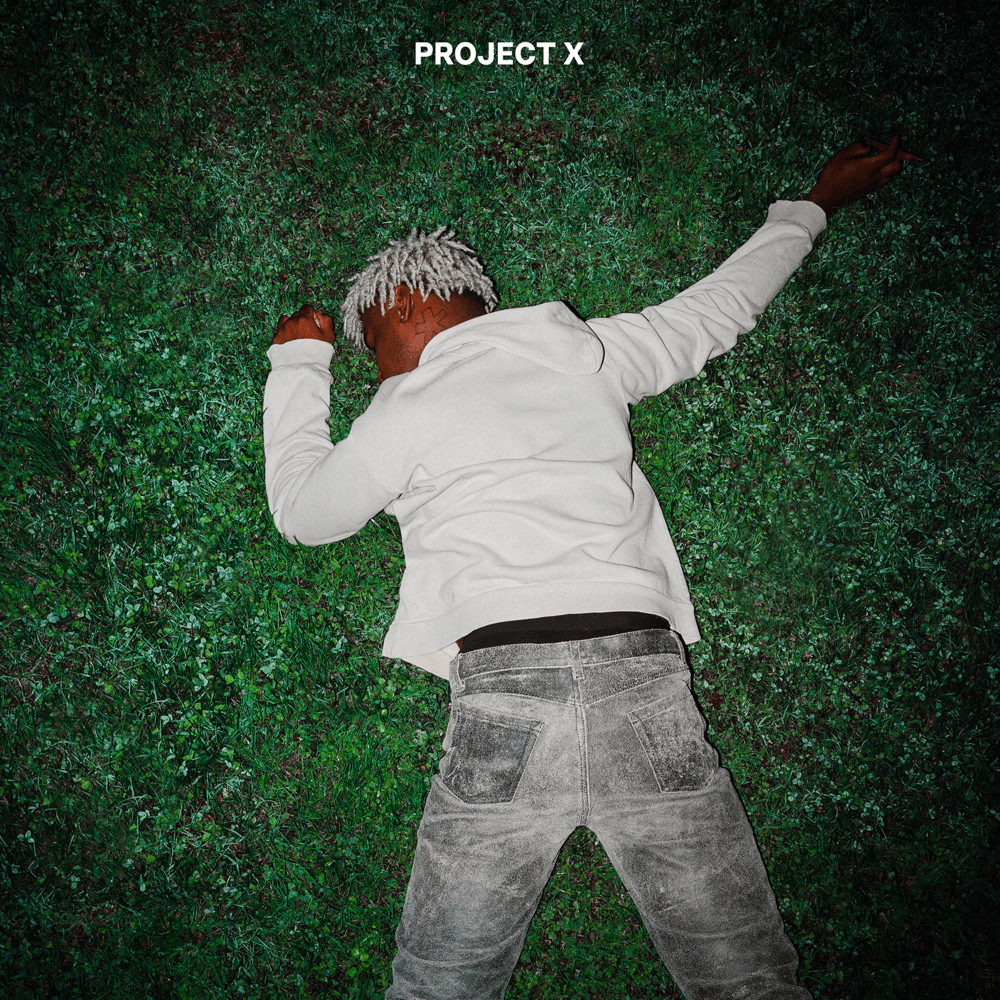
Ken Carson (Teen X/Project X era) V1 AI Voice

Ken Carson (Teen X/Project X era) V1 AI Voice

StudioWizard@StudioWizard2 years ago
Description
Will be updated and posted again soon as V2. Expect a few glitches. For making original songs, here's a vocal chain you can use with FL stock plugins: Parametric EQ 2: Lower 200- Hz, Boost 500-600 Hz (but not too much, whatever sounds right), slightly turn down 1,400-2,800 Hz, and slightly shell boost 2800+ Hz (roll of 13,000+ Hz) Fruity Reverb 2: Size=10-15%, Speed=30% Dry/ER=80-85%, Wet=40-60% (if you want), Delay=Tempo 45%, High-cut=100% (makes it crisp but not ear-shredding) Delay: Mess around with it to find the perfect balance

Hear it first

Demos are auto-generated to show the quality of voices.
Male Singing 1
English
Male Singing 2
English
Female Singing 1
English
Female Singing 2
English

1 comment

User Avatar
This is extremely clean and very clean and respected description
0
Reply
Talk Ken Carson (Teen X/Project X era) V1 with the communityShare your covers, request new voices and get tips on DiscordJoin

More voices like Ken Carson (Teen X/Project X era) V1

See all


About the Ken Carson (Teen X/Project X era) V1 AI Voice

Will be updated and posted again soon as V2. Expect a few glitches. For making original songs, here's a vocal chain you can use with FL stock plugins: Parametric EQ 2: Lower 200- Hz, Boost 500-600 Hz (but not too much, whatever sounds right), slightly turn down 1,400-2,800 Hz, and slightly shell boost 2800+ Hz (roll of 13,000+ Hz) Fruity Reverb 2: Size=10-15%, Speed=30% Dry/ER=80-85%, Wet=40-60% (if you want), Delay=Tempo 45%, High-cut=100% (makes it crisp but not ear-shredding) Delay: Mess around with it to find the perfect balance Use the Ken Carson (Teen X/Project X era) V1 AI voice to create AI covers, as a voice changer, or to generate text-to-speech. It's categorised as fictional. This voice has been used 51 times on Jammable.

Ken Carson (Teen X/Project X era) V1 AI Voice FAQ

Everything about making covers with the Ken Carson (Teen X/Project X era) V1 voice.

How do I make Ken Carson (Teen X/Project X era) V1 AI covers?

In order to make Ken Carson (Teen X/Project X era) V1 AI covers, you need to add your own audio in the studio (please read our DMCA Policy). Once you've done so, press ready to convert! Your Ken Carson (Teen X/Project X era) V1 AI cover will be ready in around 30-60 seconds.

What input can I use for my Ken Carson (Teen X/Project X era) V1 AI covers?

You can only upload your own original audio. You should not input any sound recordings that contain third party copyright material without the owner's permission.

How long will my Ken Carson (Teen X/Project X era) V1 AI cover take?

Your Ken Carson (Teen X/Project X era) V1 AI cover will be ready in around 30-60 seconds!

How many credits does each Ken Carson (Teen X/Project X era) V1 AI cover use?

Each Ken Carson (Teen X/Project X era) V1 AI cover will use just 1 credit!

Do I need to upload an acapella?

No, you do not need to upload an acapella as our system will extract the acapella regardless for your Ken Carson (Teen X/Project X era) V1 AI cover!

Can I use the Ken Carson (Teen X/Project X era) V1 AI voice as a voice changer?

Yes. You can use the Ken Carson (Teen X/Project X era) V1 AI voice as a voice changer or for text-to-speech — upload or record your audio and convert it into the Ken Carson (Teen X/Project X era) V1 voice in seconds.

Is the Ken Carson (Teen X/Project X era) V1 AI voice free?

You can listen to the Ken Carson (Teen X/Project X era) V1 AI voice demos and set up a cover for free. Making covers needs a Jammable plan, which gives you unlimited Ken Carson (Teen X/Project X era) V1 AI covers, downloads and more.