
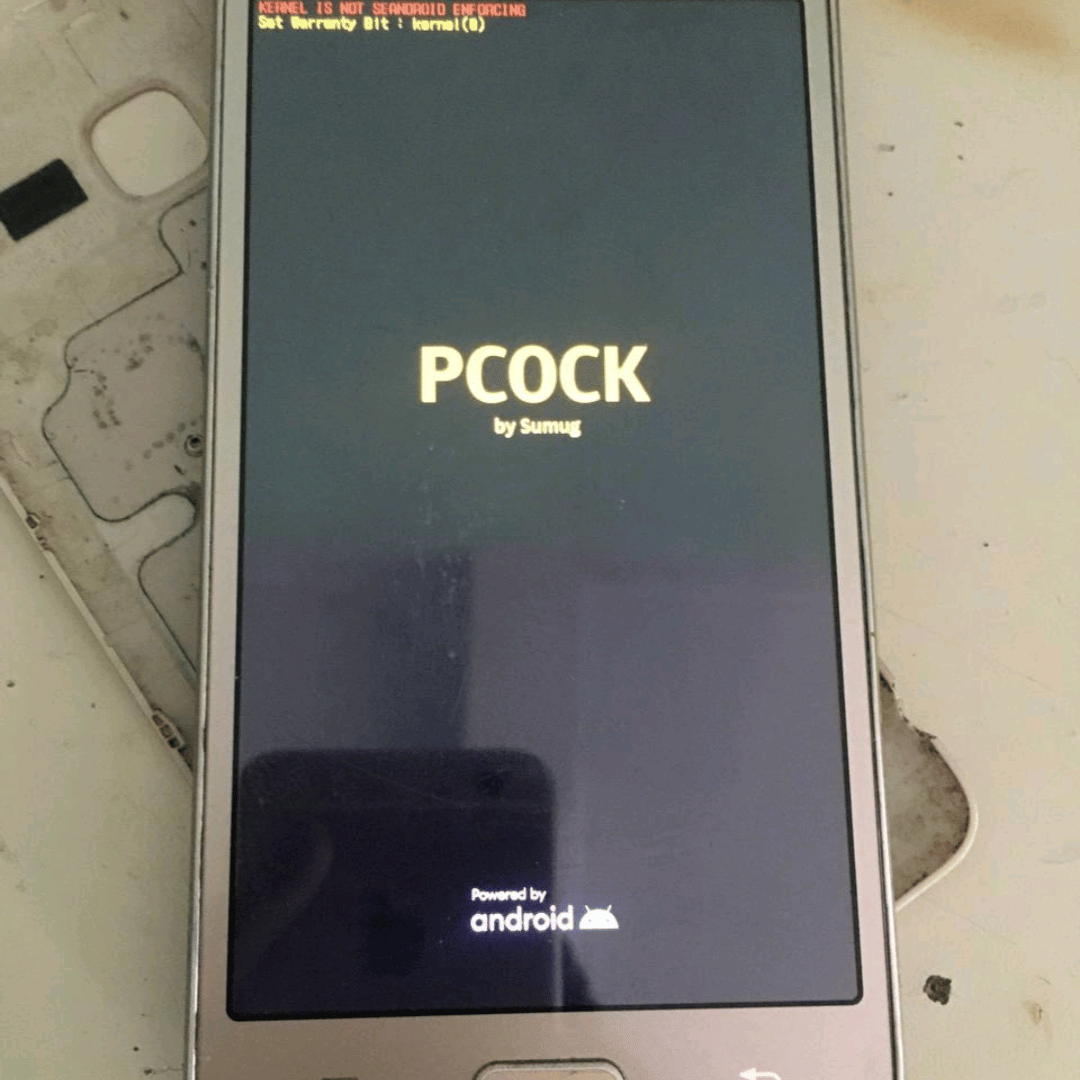

Description
by Sumug
Hear it first
Demos are auto-generated to show the quality of voices.Male Singing 1
English
Male Singing 2
English
Female Singing 1
English
Female Singing 2
English
0 comments
No comments here...
Start the conversation!
More voices like pcock
See all
Oia Cat ( Kucing Akmal )
@dasiluntur·155.9K uses

Patrick lightweight
@Yazi·113.7K uses
Alastor
@FrameTime·73.9K uses

jungkook900
@BriceoPaulina·62.7K uses

caseoh AI
@moubaraksalem·62.7K uses
Narendra Modi
@Constructor·61.9K uses
bad bunny V2
@VirtualAI·61.5K uses

Ronaldo
@DontPlayWithMe·59.5K uses
Kasane Teto (UTAU)
@Yee The Sexy Lamp·40.7K uses
Melodie (Brawl stars)
@elgatunoxd_1 ·40K uses
Kanye West (Best Quality)
@Best AI Quality·37.6K uses
Natanael Cano
@FairyAnnie·31.5K uses
About the pcock AI Voice
by Sumug Use the pcock AI voice to create AI covers, as a voice changer, or to generate text-to-speech. It's categorised as other. This voice has been used 17 times on Jammable.
pcock AI Voice FAQ
Everything about making covers with the pcock voice.
How do I make pcock AI covers?
In order to make pcock AI covers, you need to add your own audio in the studio (please read our DMCA Policy). Once you've done so, press ready to convert! Your pcock AI cover will be ready in around 30-60 seconds.
What input can I use for my pcock AI covers?
You can only upload your own original audio. You should not input any sound recordings that contain third party copyright material without the owner's permission.
How long will my pcock AI cover take?
Your pcock AI cover will be ready in around 30-60 seconds!
How many credits does each pcock AI cover use?
Each pcock AI cover will use just 1 credit!
Do I need to upload an acapella?
No, you do not need to upload an acapella as our system will extract the acapella regardless for your pcock AI cover!
Can I use the pcock AI voice as a voice changer?
Yes. You can use the pcock AI voice as a voice changer or for text-to-speech — upload or record your audio and convert it into the pcock voice in seconds.
Is the pcock AI voice free?
You can listen to the pcock AI voice demos and set up a cover for free. Making covers needs a Jammable plan, which gives you unlimited pcock AI covers, downloads and more.