
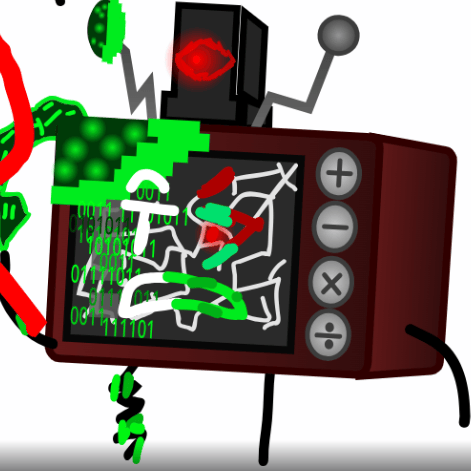

Description
And another version of retro!
Hear it first
Demos are auto-generated to show the quality of voices.Male Singing 1
English
Male Singing 2
English
Female Singing 1
English
Female Singing 2
English
0 comments
No comments here...
Start the conversation!
More voices like Retro Version 3.0 (OOCA)
See all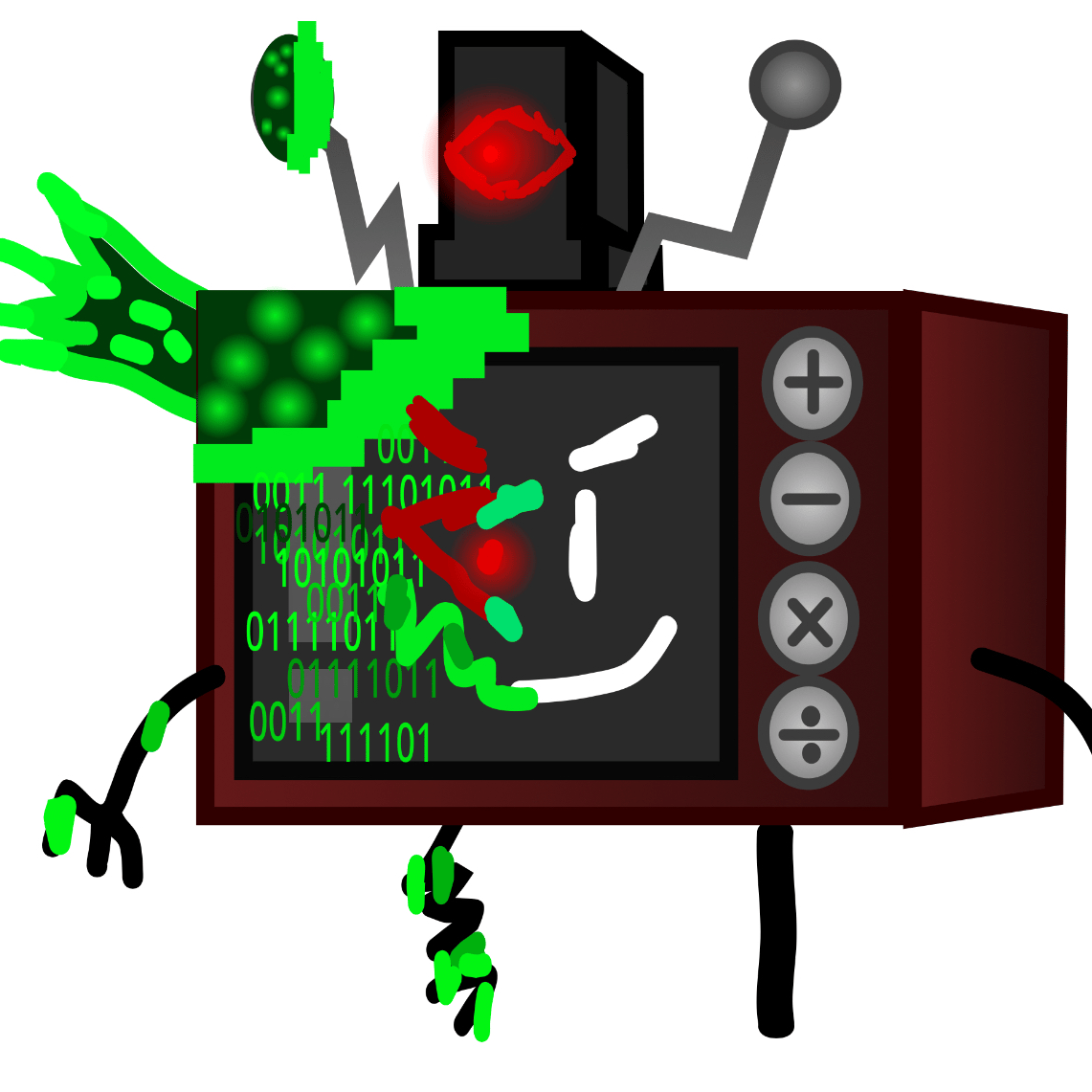
Retro (OOCA)
@ArunYayepic·87 uses
Unikitty (OOCA)
@Arun132·41 uses

Test Voice for OOCA
@Arun132·39 uses
Circle 3 (OOCA)
@ArunYayepic·32 uses

ArunYayepic
@ArunYayepic·29 uses

Circle 5 (OOCA)
@Arun132·18 uses

Pikachu (OOCA)
@ArunYayepic·18 uses

Sixy (OOCA)
@Arun132·14 uses

CelestialBot (OOCA)
@ArunYayepic·14 uses

Entire OOCA Voice Cast
@Arun132·11 uses

A-60 (OOCA) Version 2.0
@ArunYayepic·9 uses
Retro OOCA (Version 2.0)
@Arun132·9 uses
About the Retro Version 3.0 (OOCA) AI Voice
And another version of retro! Use the Retro Version 3.0 (OOCA) AI voice to create AI covers, as a voice changer, or to generate text-to-speech. It's categorised as other. This voice has been used 16 times on Jammable.
Retro Version 3.0 (OOCA) AI Voice FAQ
Everything about making covers with the Retro Version 3.0 (OOCA) voice.
How do I make Retro Version 3.0 (OOCA) AI covers?
In order to make Retro Version 3.0 (OOCA) AI covers, you need to add your own audio in the studio (please read our DMCA Policy). Once you've done so, press ready to convert! Your Retro Version 3.0 (OOCA) AI cover will be ready in around 30-60 seconds.
What input can I use for my Retro Version 3.0 (OOCA) AI covers?
You can only upload your own original audio. You should not input any sound recordings that contain third party copyright material without the owner's permission.
How long will my Retro Version 3.0 (OOCA) AI cover take?
Your Retro Version 3.0 (OOCA) AI cover will be ready in around 30-60 seconds!
How many credits does each Retro Version 3.0 (OOCA) AI cover use?
Each Retro Version 3.0 (OOCA) AI cover will use just 1 credit!
Do I need to upload an acapella?
No, you do not need to upload an acapella as our system will extract the acapella regardless for your Retro Version 3.0 (OOCA) AI cover!
Can I use the Retro Version 3.0 (OOCA) AI voice as a voice changer?
Yes. You can use the Retro Version 3.0 (OOCA) AI voice as a voice changer or for text-to-speech — upload or record your audio and convert it into the Retro Version 3.0 (OOCA) voice in seconds.
Is the Retro Version 3.0 (OOCA) AI voice free?
You can listen to the Retro Version 3.0 (OOCA) AI voice demos and set up a cover for free. Making covers needs a Jammable plan, which gives you unlimited Retro Version 3.0 (OOCA) AI covers, downloads and more.